How fridge magnets are printed
Five methods cover almost everything. Offset or digital on paper goes under the mylar of a pressed magnet, direct UV prints straight onto vinyl sheet, a laminated print gives sheet magnets their best photographs, screen printing suits flat color promo runs, and dye sublimation needs a coated blank.
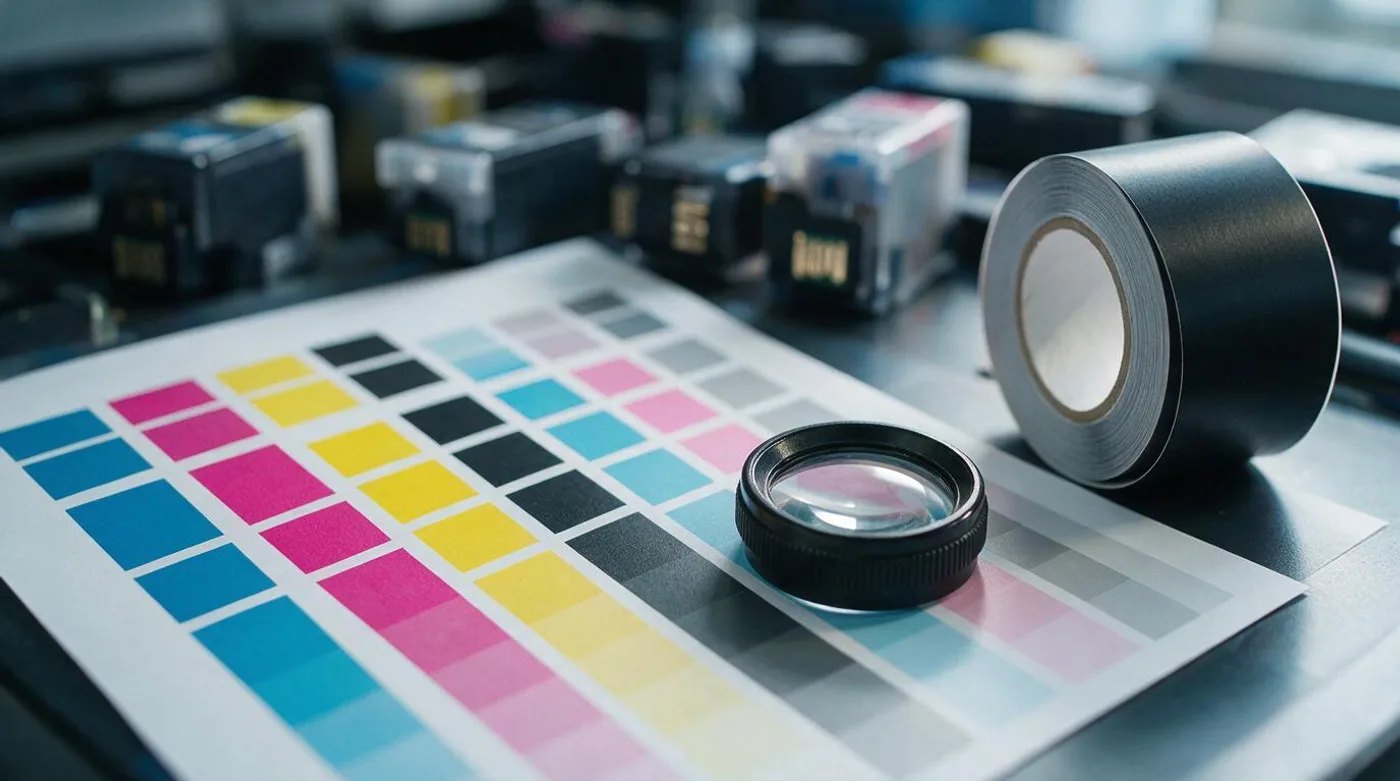
Two magnets can carry the same image file and look nothing like each other after a year on a door above a kettle. The difference is rarely the file. It is which press the image went through, what it landed on, and whether anything covers it afterwards.
Offset and digital on paper, then pressed
The photographic route runs the print on paper first and builds the magnet around it.
Front to back the finished object is a clear mylar cover, the paper print, a steel shell whose rim the press crimps over the mylar edge, and a flat ferrite magnet glued to the back, coming to about 4 mm overall. Once the rim is crimped the paper never touches air again, which is the whole reason this build outlasts the others.
Offset and digital differ only in how the paper gets printed. Offset transfers ink from plates through a rubber blanket to the sheet, so there is a setup cost per plate and a per-sheet cost that falls away as the run grows. Digital, whether toner or wide-format inkjet, has no plates, so a run of one costs nearly what a run of one hundred costs per unit. Sellers that press photo magnets to order are printing digitally, since every magnet in the order is a different picture.
Both give a proper photographic result on the paper. What you are choosing between is a long identical run and a short variable one.
Direct UV onto vinyl sheet
Flexible sheet magnet is ferrite powder in vinyl, and white vinyl-faced stock takes ink directly. A UV flatbed or wide-format machine lays the ink down and cures it on contact with UV light, so it never soaks into the surface or spreads, and the panel comes off the bed finished. No lamination, no mounting.
The ink film sits on top of the vinyl with nothing over it. Cured UV ink is hard and resists a fingernail well, and the edge of the magnet is the raw cut edge of the sheet, which is where damage starts on any unlaminated print. For a promotional magnet that is fine. For a photograph of somebody's children, it is the reason photo-focused sellers do something else.
Laminated print on sheet
The best photograph you can get onto a flexible sheet magnet comes from printing on paper and laminating the print onto plain magnet sheet. The paper takes ink the way paper does, the laminate goes over the face, and the sandwich gets cut to size.
Shutterfly's flexible magnets are 0.75 mm with a laminated print, listed at $2.50 each with a minimum order of 1. Vistaprint's are 0.5 mm at $1.20 each with a minimum of 25, and the printing method behind them is not published, so we leave that blank rather than assume.
The weakness of a laminated sheet magnet is its edge. The paper layer is exposed all the way round the cut line, and steam from a kettle or a hob gets into it and lifts the corner over months. A crimped steel rim on a pressed magnet closes that edge completely, which is the practical difference between the two builds carrying the same photograph.
Screen printing
Screen printing pushes ink through a stencil on a mesh, one screen per color. Setup is per screen, so a two-color job costs two setups and a full-color photograph is not really the point.
What it buys is a thick ink film and exact flat color. A specified brand ink goes on as that ink rather than as a CMYK approximation of it, which is why a logo in a particular corporate blue goes this route and a family photograph does not. At volume it is the cheapest way to get ink onto sheet magnet, and the ink film is thick enough to shrug off handling that would scuff a thin inkjet layer. Photographs can be screen printed through a halftone, and they look like a halftone.
Dye sublimation
Sublimation prints onto transfer paper, then a heat press turns the dye into a gas that enters a polymer coating on the blank. The dye ends up inside the coating rather than sitting on it, so there is no ink film to scratch off and no laminate to peel.
The catch is that it only works on a coated substrate, which means aluminum, coated hardboard, or coated MDF. That means a sublimated magnet is a printed blank with a magnet fixed on afterwards, not a printed magnet. The press also runs far hotter than the 80 C at which N42 neodymium starts giving up output, and comfortably under the 250 C a ferrite disc tolerates, which is another reason the magnet goes on after the press rather than before it, and why nobody sublimates onto neodymium.
Color is continuous tone and slightly soft at the edges of fine detail, because the dye migrates a little in the coating. For a photograph on a wooden or metal souvenir it looks right. For 6 point type it does not.
What the methods cost and how they compare
| Method | Prints onto | Color | How it ages | Cost per magnet | Minimum run |
|---|---|---|---|---|---|
| Offset on paper, pressed | Paper under mylar | Photographic CMYK, consistent across a long run | Sealed by the crimped rim, an estimated decade indoors | Highest here | Long, setup per plate |
| Digital on paper, pressed | Paper under mylar | Photographic CMYK, every unit can differ | Same shell, same estimated decade | High, and flat with quantity | One, where a seller presses to order |
| Direct UV | 0.5 to 0.75 mm vinyl sheet | Full color, cured on contact | Hard ink film, raw cut edge | Low | Short, no plates |
| Laminated print | 0.75 mm sheet | Best photographic result on sheet | Laminate protects the face, paper edge exposed | $2.50 each at Shutterfly | 1 at Shutterfly |
| Screen printing | Sheet or rigid blanks | Flat spot colors, exact brand match | Thick ink film, hard-wearing | Lowest at volume | Long, setup per screen |
| Dye sublimation | Coated metal or board | Continuous tone, slightly soft | Dye inside the coating, nothing to scratch off | Middling | One |
Color, and why the proof is dull
Every one of these methods except screen printing works in CMYK, and your photograph is RGB. Saturated blues, oranges and anything that glows on a phone screen sit outside what four process inks can mix, so they come back a shade flatter. Nothing is broken when that happens; the gamut is just smaller.
Screen printing is the exception, because it prints a specified ink rather than mixing one, so a brand color comes out as that color. That is the trade you make when you give up photographs for flat color.
The substrate matters as much as the ink. White vinyl gives UV ink something to sit on and a white to work from. Print the same file onto an uncoated or gray stock without a white base layer underneath and everything darkens. If a seller offers a printed proof, order one, because a screen proof tells you about your monitor.
Resolution, and what a small magnet actually needs
The convention is 300 dpi at the finished size, and a magnet is small enough that this is easy to hit.
| Magnet | Inches | Pixels at 300 dpi |
|---|---|---|
| 2.25 in round | 2.25 | 675 across |
| 2.5 in square | 2.5 | 750 across |
| 2 x 3 in | 2 x 3 | 600 x 900 |
| 3 x 3 in | 3 x 3 | 900 x 900 |
| 4 x 6 in | 4 x 6 | 1200 x 1800 |
Any camera made this century clears every row of that table with room to spare. What does not clear it is a screenshot of a photograph, an image pulled from a social feed, or a picture that has been through a chat app twice. Those arrive at a few hundred pixels on the long side, and cropping in to a face takes another chunk out. A file offering under half the pixel count above will look soft at arm's length, and softness on a 57 mm magnet is more obvious than softness on a print, because the whole object is the size of a photograph you would hold close.
Line art and type are the other failure. Fine type scanned or resaved as a JPEG picks up compression fringes that a 300 dpi photograph hides, and screen printing or sublimation will both show them.
Bleed and safe margin on a die cut
A die does not land in exactly the same place on every magnet, and a round die can rotate slightly relative to the artwork. Bleed is the image extended past the trim line so a shift shows more picture instead of a white sliver. Around 3 mm is the usual ask, and the seller's own template is the figure to trust, since the die sets it rather than any general rule.
The safe margin is the other half of the same problem. Keep faces, type and anything you would notice losing a similar distance inside the trim line. On a pressed magnet the crimped rim then covers the outermost ring of the print as well, so a face that sits right at the edge of your crop disappears under steel. On a round magnet this bites hardest, because the trim is a circle and any horizontal line of people crosses it twice.
Design at the finished size rather than designing large and scaling down. A 6 point caption looks fine on a screen at 400 percent and vanishes at 57 mm.
Gloss, matte, and how each ages
Pressed magnets are gloss, because the mylar cover is gloss and there is no other option in that build. Gloss deepens blacks and lifts saturation, and it also reflects the kitchen ceiling light and holds fingerprints, which on a fridge door is a real consideration rather than a theoretical one.
Sheet magnets come both ways. A matte laminate scatters the reflection and reads flatter and calmer; a gloss laminate mimics a photo print. UV ink can be cured to either finish.
Ageing splits along the same line as the build, and the two timescales here are estimates from the construction rather than results from a fade rig. A print under mylar in a crimped steel shell should keep its color about a decade indoors. A laminated inkjet print on sheet should start to fade in two to three years if it lives in direct sun from a window, and the paper edge lifts sooner than that above a kettle. Cured UV ink resists abrasion better than an unlaminated inkjet print, and UV light still works on the pigments regardless of how hard the film is. Sublimation dye is inside the coating and cannot be scuffed off at all, though it fades in sunlight like anything else.
The ferrite in the back of a pressed magnet is indifferent to all of it. Its maximum working temperature is about 250 C, so the kitchen is not going to reach it, and whatever fails on a fridge magnet, it will not be the magnet. How long magnets last covers that side, and what to look for turns all of this into things you can actually check on a listing before you order.
Frequently asked
What resolution does a fridge magnet need?
300 dpi at the finished size. A 57 mm round needs about 675 pixels across, a 2 x 3 inch magnet 600 x 900, and a 4 x 6 inch magnet 1200 x 1800. Any phone camera clears that; a screenshot or a file sent through a chat app may not.
Which printing method lasts longest on a fridge magnet?
The pressed build, where the print sits under a mylar cover inside a crimped steel shell. Estimating from the construction, color holds about a decade indoors, against two to three years for a laminated inkjet print on sheet near a window. Both are estimates rather than tested figures.
Should a photo magnet be gloss or matte?
Pressed magnets come gloss, because the mylar cover is gloss. Gloss deepens blacks and shows fingerprints and the kitchen ceiling light. Matte laminate on a sheet magnet scatters the reflection and looks flatter.
How much bleed does a magnet need?
Use the template the seller supplies, since the die sets the figure. Around 3 mm of bleed is the usual ask, and keep faces and text a similar distance inside the trim, because a crimped rim covers the outer edge of a pressed print.